

For small businesses, resource optimization is a major challenge. The struggle between reducing costs and increasing profit is not something hiring or firing people would solve. Most times, attaining a balance between reasonable cost and optimized profit lies in the simple act of automation of small business workflows.
In this post, we look at what business process automation is, the benefits of business process automation and some processes/workflows you can automate. Ready?
Business Process Automation (BPA)

BPA refers to automating manual processes in the workplace. BPA also refers to using technology to automate daily or repeatable tasks in the workplace. Doing this makes work processes faster and allows businesses to be more productive.
There are several things to consider before adopting business process automation. They include:
- Processes that require consistency.
- Repeatable tasks.
- Tasks with little to no room for error.
These factors answer the question, should you adopt automation in your workplace? Now, let’s look at a few examples of tasks that you should automate at your business.
Tasks Small Businesses Should Automate
Small businesses are in a constant struggle against time and funds. The poor management of either time, funds or both at the same time could affect productivity negatively. The best business workflow examples create a balance by automating specific processes. This way, they grow optimally and achieve maximal efficiency in their production process.
BPA helps to speed up the production process while reducing costs. This must be great news for your small business but which processes should you automate? In this section, we will show you a few examples.
Management of Procurement Processes

Managing procurement can be quite stressful if handled manually. Because of the stress involved, a lot of time is wasted, and your staff is prone to making mistakes. Automating this process changes the whole narrative.
It cuts down the use of papers since forms are delivered electronically. Automation also means no need for workers to walk around, send files, or make calls. You even end up sending orders to vendors with ease.
In the end, small businesses can streamline the procurement process using business process automation. This helps them be more efficient, save more resources, and achieve a lot more than manual management.
Managing Invoices

It is almost impossible for businesses to run without sending out or receiving invoices. We all know how cumbersome managing invoices can be. The good news is that you can quicken the process with business process automation software and reduce the stress involved.
Automation allows you to streamline the process of invoice management. It also ensures that your staff make fewer errors. How? There are different mechanisms set in place to make this possible. Some of them include:
- Quick approvals
- Templates
- Quick payments
- Notifications and reminders
Put all of these together, and your staff will require minimal coordination to manage invoices. There will also be less back-and-forth between departments. With this, you are assured of minimal errors and quicker delivery.
Onboarding Employees

This is one of the best business workflow examples when discussing business process automation. Bringing new employees on board requires a lot of effort and time. As much as businesses hate to go through this process, it is essential to their productivity and growth.
Automating this process saves you from re-routing documents, sending loads of emails, searching paper files, and back-and-forth communication. As such, there is less frustration for all the parties involved, and the process is faster. This makes it possible for businesses to complete employee onboarding before their new employees arrive.
Vacation Requests

Processing vacation requests is cumbersome for both the approval manager and the applicant. This is because several hidden situations may come at different stages of the process. Some examples are described below:
- Employees aren’t sure of what days they should take off.
- There could be a clash of vacation dates from different employees.
- When there are clashes of dates, managers need to contact employees to choose different dates.
- Employees don’t know when their requests have been approved.
- The HR department files the request and approval manually.
These are just a few scenarios that could slow down the process and make it cumbersome. Business process automation helps you to eliminate all these scenarios for a smoother, quicker process.
Managing Sales Orders

True, one of the joys of running a business is increased patronage. However, employees will soon become less happy and productive if something isn't done to make the process easier. Manually handling sales orders requires a lot of paperwork and back-and-forth communication. This means that a lot of time gets wasted, and both employees and customers suffer.
Automating the process saves time by streamlining the process. It also helps to reduce the numbers of errors that may occur while processing orders.
Benefits of Business Process Automation
Now that you have seen the best business workflow examples to be automated, here are some benefits you’ll enjoy.
Reduces Overhead Costs
When you don't automate your processes, you still have to get them done. This means that you'd be employing staff to handle such tasks. Unfortunately, labour costs more and still isn't as efficient as business process automation.
Automating your processes saves cost on labour. The ripple effect of this is more profits and ROI.
Improved Productivity
Small businesses cannot afford to be low at productivity. Without automation, workers have to handle loads of paperwork and move around the office a lot. The result of this is low productivity since efforts and priorities are misplaced.
Automation reduces workplace traffic, emails, paperwork, and the frustration of employees. Although it has a huge impact on business, before starting a business automation process, there are plenty of advantages and disadvantages of automation to consider. This makes it possible for them to focus more on their duties, yielding more productivity.
Better Innovation
Automation saves time and makes your employees productive. But more than this, it provides them more time to apply their minds to innovation. It is no secret that innovation in any business impacts productivity and profitability positively.
Investing in automation means improved feedback channels, better marketing campaigns, and infusion of creative ideas. Do you now see why small businesses should invest in business automation?
Happier Employees
Handling small business workflows manually slows down employees and dampens their moods. For example, if an employee submits a vacation request and the approval process takes ages, the employee worries. This will take a toll on the individual's overall productivity levels.
Automating such processes means less traffic and quicker approvals. When you handle requests from your employees promptly, they are happy and are ready to work better.
Automation Tools to Try Out
Automation is quickly transforming how businesses operate. Now they can achieve more with minimal resources while saving time. It is also more comfortable for such companies to scale.
After discussing the best business workflow examples, it is wise to check out some automation tools. There are several automation tools on the market. The only challenge is that most of these tools are designed to meet large and medium businesses' needs. In this section, we will discuss a few that present small companies with tremendous advantages.
Leadformly

One of the essential processes for small businesses to automate is sales. This way, it becomes possible to handle more significant sales volumes regardless of their sales teams' size. Leadformly was designed to help with increasing form conversion rates.
Asides from this, it also ensures that you can segment different leads accordingly on web pages. To do this, it makes use of “conditional logic.” It uses this to ask questions from the users by focusing on the info that they provide. Leadformly then sends this info to ActiveCampaign (we’ll explain this next).
With this, you can eliminate a huge chunk of the initial sales processes. This way, it is easier to focus your efforts on dealing with your leads closes to completing a purchase.
ActiveCampaign
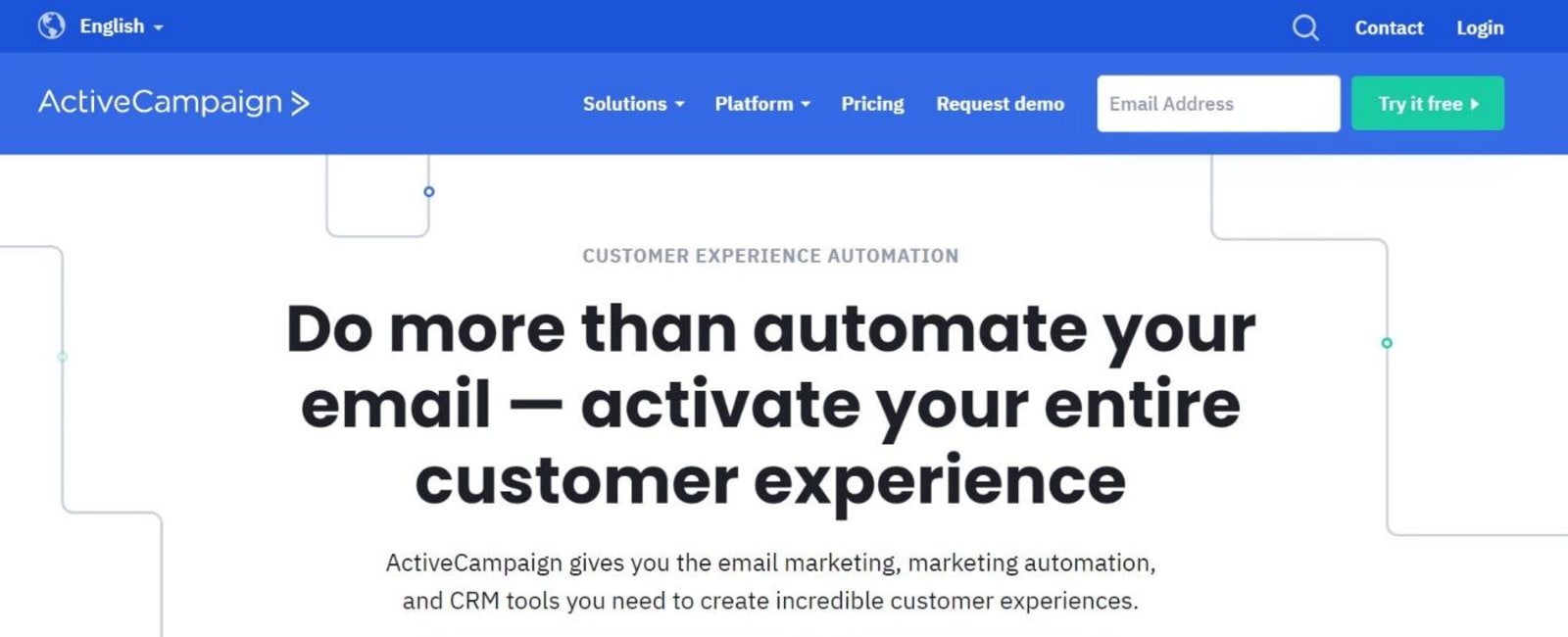
ActiveCampaign’s combines enterprise-standard CRM with advanced email marketing (B2B, B2C email marketing etc). This produces a more serious business software that works wonders for small businesses.
There are several packages, but the necessary packages are affordable for small businesses. You begin to pay a lot more when you want to access the premium features. Of course, you should be able to afford that since the business would have scaled reasonably. Like we mentioned above, you can use ActiveCampaign in tandem with Leadformly for great results.
Grammarly

One of the best business workflow examples that may be difficult to automate for small businesses is content creation. Because of the digital marketing channels available these days, small businesses have to create all kinds of content, from blog posts to emails and even social media posts.
The challenge here is that it is very possible to fall short and make grammatical and spelling errors. While you can’t automate the content creation process, you can automate fixing these errors. Grammarly was designed to do just that.
No, it wouldn't make your writing the best in the world. However, it will help you deal with these errors that may affect your sales and make people question your competence. You can even get more from the premium version, which can help tailor your writing to suit SEO requirements.
Calendly

Having to deal with back-and-forth emails can be quite a challenge for small businesses. They make it especially difficult when you have to arrange appointments like phone calls and meetings. Calendly saves you from all of this.
All you need to do is set up your availability preferences on this tool for your next meeting. After this, embed the link in the email invitation. When the recipient gets the email, they decide on what time suits them. The tool then adds the event to your calendar automatically. No need for "back-and-forth" anymore.
Adopting Business Process Automation

Algorithmic technology is having more impact on the way we handle business operations than we ever imagined. So far, we have discussed the best business workflow examples to automate. Also, you have seen some helpful automation tools for small businesses.
In this section, we will show you how to adapt business process automation for your brand. Check out five helpful steps below:
Step 1 – Decide on The Tasks to Automate
You probably think this is a straightforward process. It isn't. Just so you know, many businesses fumble at this point. Your best bet is to first understand the idea of business automation and how it works. This will help you know which of your tasks you can automate. Make your list and speak to your team for their opinion.
Step 2 – Pick Your Tools
With an explicit knowledge of what tasks to automate, it becomes easier to choose the automation tools you need. Like we mentioned earlier, there are so many on the market. Make your choice based on your needs and cost.
Step 3 – Set Your Targets
Why waste funds on tools and a process that isn't increasing your profits? You need to decide on your targets so that you can easily measure the performance of the process. It is essential to be specific and decide on benchmarks to help gauge success.
Step 4 – Track Results Then Refine Processes
When you set targets, it becomes easier to track results. Check to see if your tools are performing as they should. If you are not getting the desired results, it is time to rethink the process and refine it. You might have to do this a couple of times before attaining the success you want.
Step 5 – Infuse The Automative Culture Into Your Work Environment
Now that you have come to terms with business automation, it time to take it up a notch. Infuse this culture into your work environment. Let everyone be in on it, including new employees. This way, you don't have to return to your obsolete methods.
Conclusion
Great, you not only know the best business workflow examples to automate, but you also learn how to automate your processes. We have also shown you the benefits of business automation. What are your thoughts?

Maria is a Content Writer with keen interest in eCommerce and Internet Marketing. She is a Communications graduate and understands what it takes to write persuasive copy and blog posts. Outside of work, you can find her mini-blogging about her life on social media.











